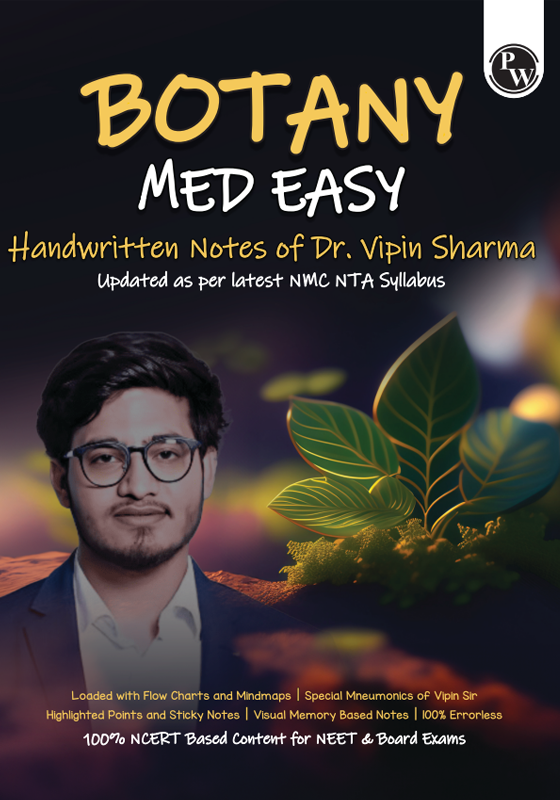
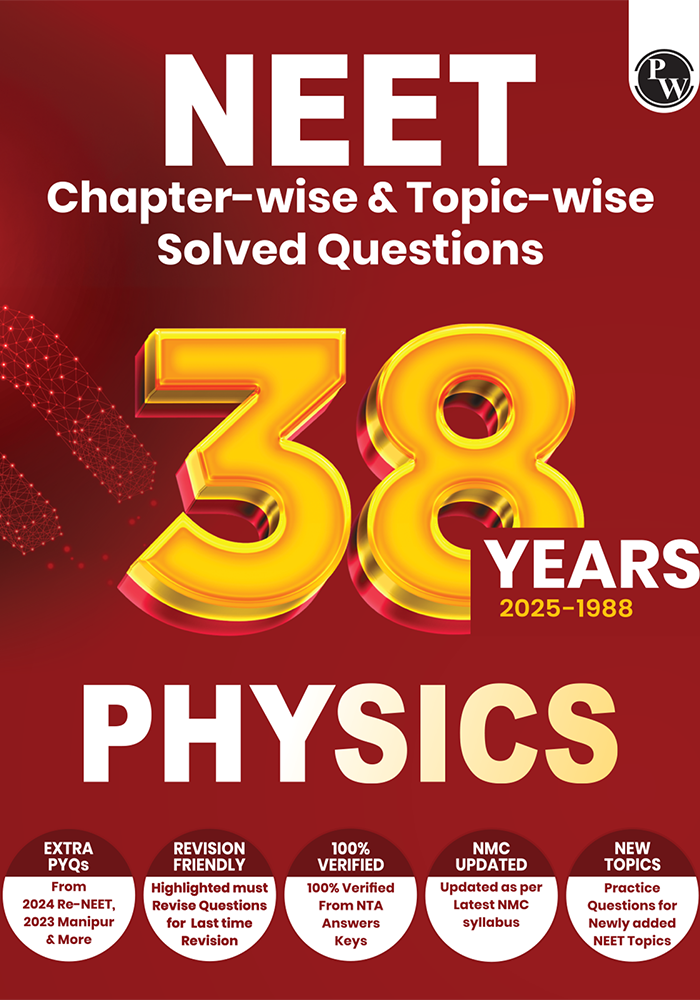
38 Years Neet Previous Year Solved Question Papers Physics
PW
2026 EDITION
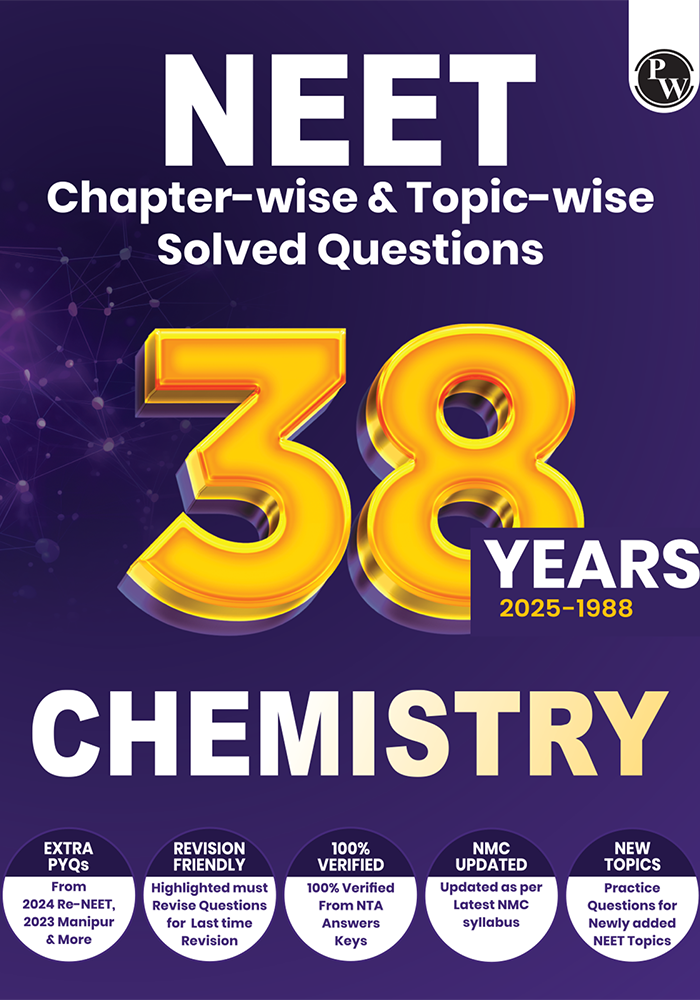
38 Years Neet Previous Year Solved Question Papers Chemistry
PW
2026 EDITION
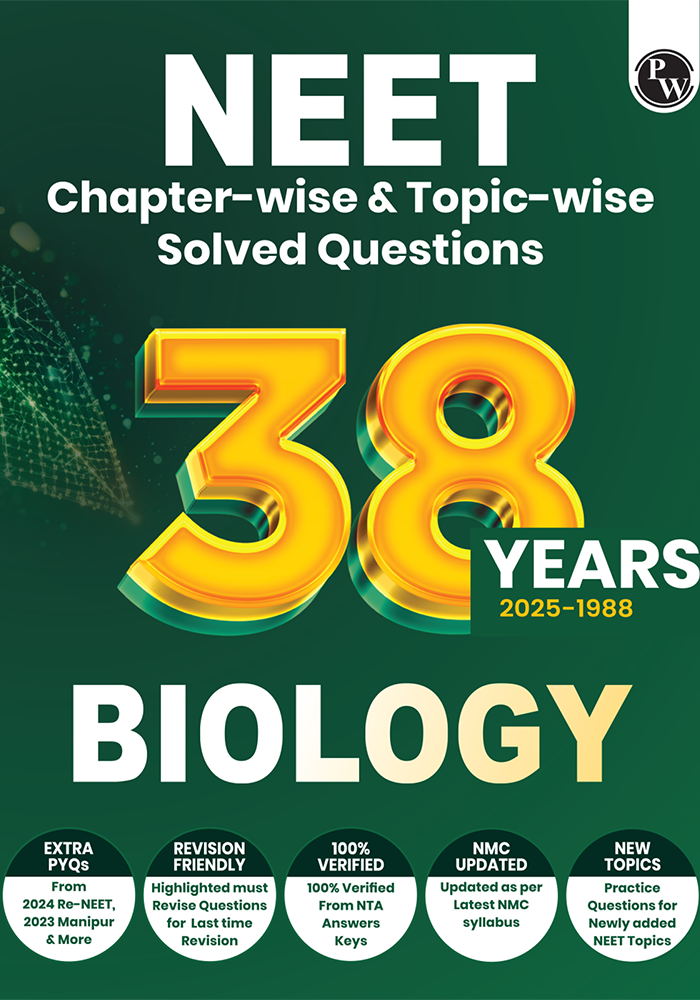
38 Years Neet Previous Year Solved Question Papers Biology
PW
REPRINT 2025-26
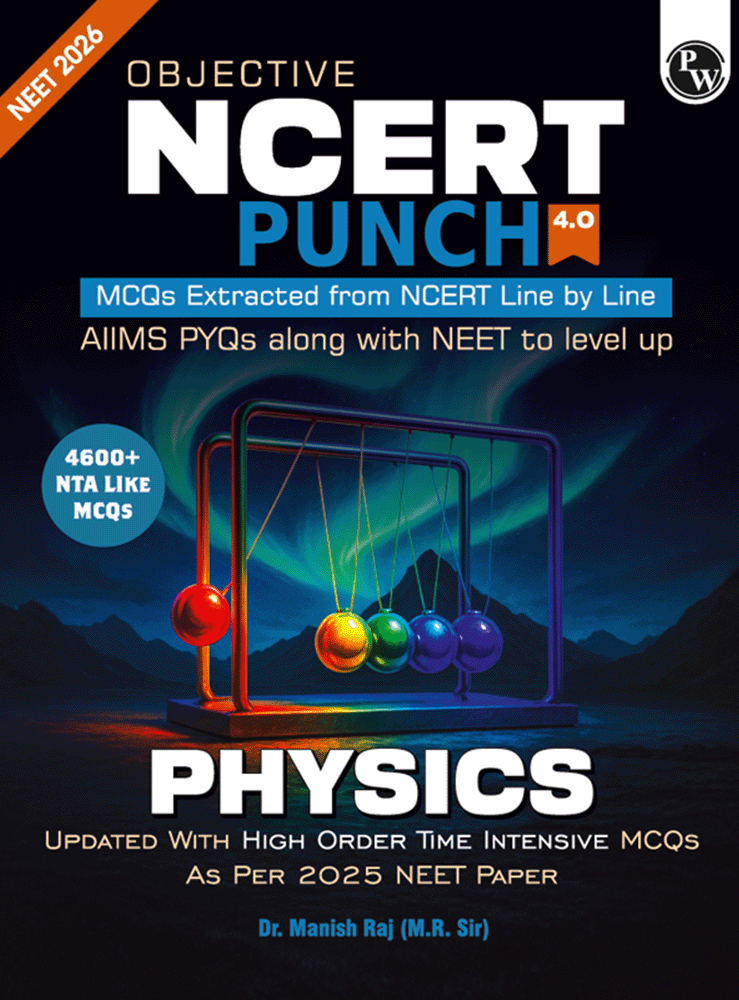
NCERT Punch Physics (Digital Book)
Dr. Manish Raj (MR Sir)
REPRINT 2025-26
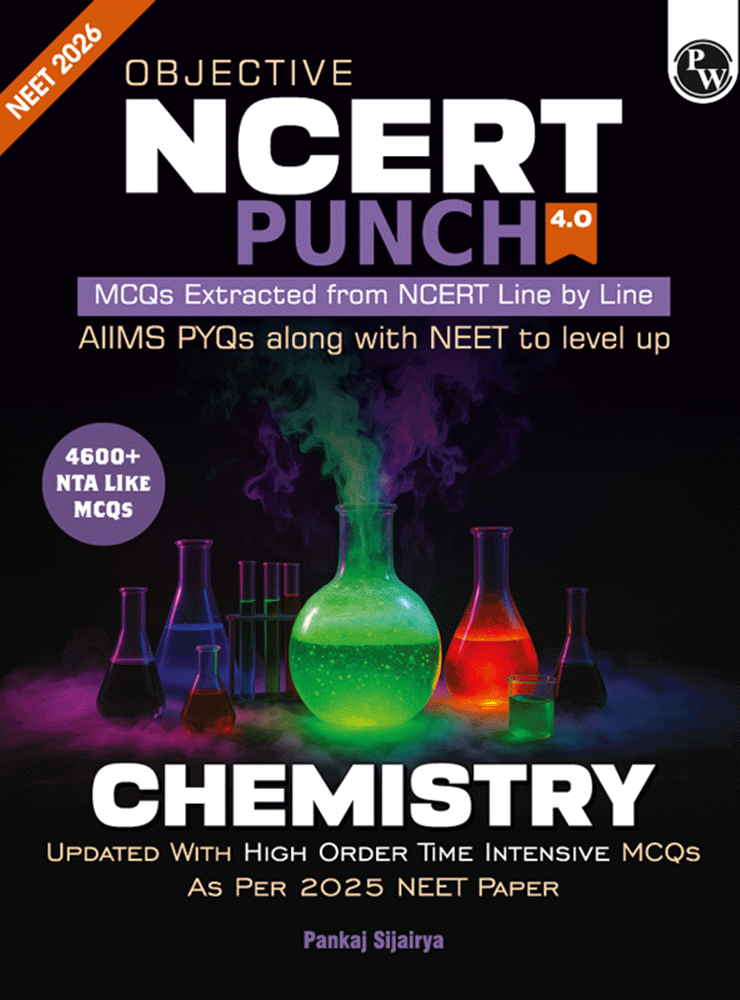
NCERT Punch Chemistry (Digital Book)
Pankaj Sijairya
REPRINT 2025-26
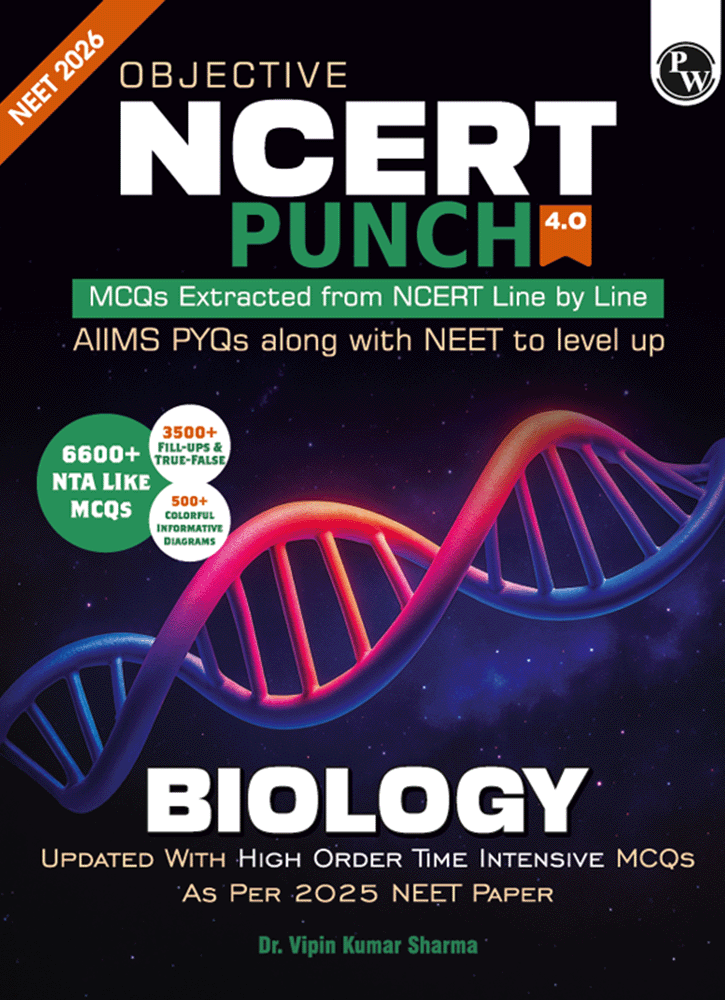
NCERT Punch Biology (Digital Book)
Dr. Vipin Kumar Sharma
2026 EDITION
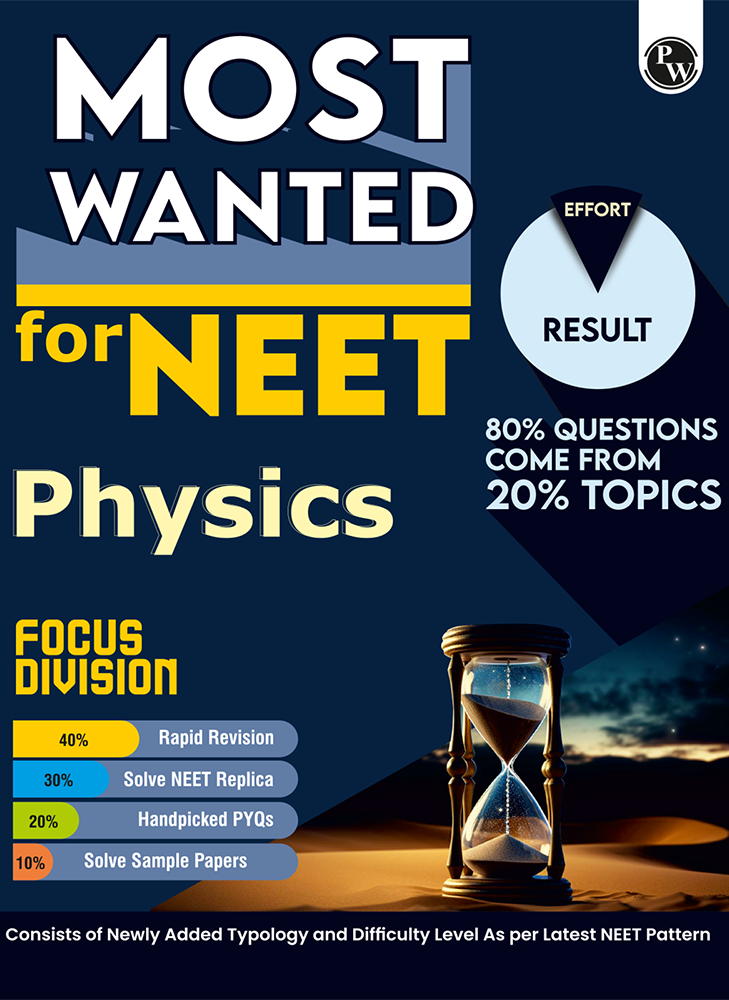
Most Wanted for NEET Physics (Digital Book)
PW
2026 EDITION
Most Wanted for NEET Chemistry (Digital Book)
PW
2026 EDITION
Most Wanted for NEET Biology (Digital Book)
PW
2026 EDITION
NEET Rankers Test Series
PW
2026 EDITION
MR Physics Question Solving Med Easy (Digital Book)
Dr. Manish Raj (MR Sir)
REPRINT 2025-26
Physics Part I (Class XII)
NCERT
REPRINT 2025-26
Physics Part II (Class XII)
NCERT
REPRINT 2025-26
Chemistry Part I (Class XII)
NCERT
REPRINT 2025-26
Chemistry Part II (Class XII)
NCERT
2026 EDITION
Biology (Class XII)
NCERT
My Bookshelf
My Bookshelf
Books you've saved for quick access
Book Title
Apply Coupon
Share
2026 Edition
DIGITAL BOOK
Available in digital format only
Get more with Digital book
Practice Mode
Attempt book exercises with instant solutions
Doubts? Snip and ask AI Guru
Get instant help while studying
Smart Highlights & Notes
Save important lines with text and voice notes
All Chapters
Additional Details
Help & Support
Find answers or contact us below
Frequently Asked Questions
How do I access my purchased books?
After purchasing, go to the My Purchases tab in the sidebar. All your purchased books will be listed there. Tap on any book to start reading instantly.
Was this helpful?
Can I read books offline?
Currently, books are available for online reading only. Download functionality for offline access is coming soon. Make sure you have a stable internet connection for the best reading experience.
Was this helpful?
My book is not loading. What should I do?
Please try the following steps:
1. Refresh the page (Ctrl+R / Cmd+R) 2. Check your internet connection 3. Clear your browser cache 4. Try a different browser (Chrome recommended)
If the issue persists, contact our support team.
Was this helpful?
How do I get a Books Pass?
A Books Pass gives you unlimited access to all books in your selected class and exam category. Click on the Books Pass option in the sidebar to explore available passes and subscribe. Once purchased, all books unlock instantly.
Was this helpful?
How do I reset my reading progress?
Reading progress is automatically saved as you read. To reset progress on a specific book, open the book details page and look for the Reset Progress option in the menu. Note: this action cannot be undone.
Was this helpful?
No results found for your search
Still Need Help?
Can't find what you're looking for? Our support team is ready to assist you.